> For the complete documentation index, see [llms.txt](https://docs.ava.do/llms.txt). Markdown versions of documentation pages are available by appending `.md` to page URLs; this page is available as [Markdown](https://docs.ava.do/your-avado/finding-your-way-around/monitoring-with-grafana.md).
# Monitoring with Grafana
Install the Grafana monitoring bundle to see dashboards of your AVADO and your clients, and to get warnings about peers, sync and missed attestations on Home.
The **Grafana server** package adds monitoring to your AVADO. It gives you:
* **Dashboards** with graphs of your AVADO (processor, memory, disk, network, drive temperature) and of your consensus client.
* **Extra health checks on Home**: whether your client is falling behind the chain, has too few peers, or misses attestations.
* The **detailed chain status strip** on Home (current epoch, slots behind, peers).
## What gets installed
When you install **Grafana server**, two helper packages are installed with it:
| Package | What it does |
| ------------------- | ------------------------------------------------------------------------------ |
| **Grafana server** | Shows the dashboards. |
| **Prometheus node** | Collects and stores the metrics (measurements) of your AVADO and your clients. |
| **Node Exporter** | Measures your AVADO's hardware: processor, memory, disk and network. |
All three then appear in **My DApps** and on Home under **Running on your AVADO**.
## Install monitoring
1. Go to **DappStore**. **Grafana Server** is listed under **Featured**. You can also search for "Grafana".
2. Click the card, then click **Install**.
3. Wait until Grafana server, Prometheus node and Node Exporter are all installed and **Running**.
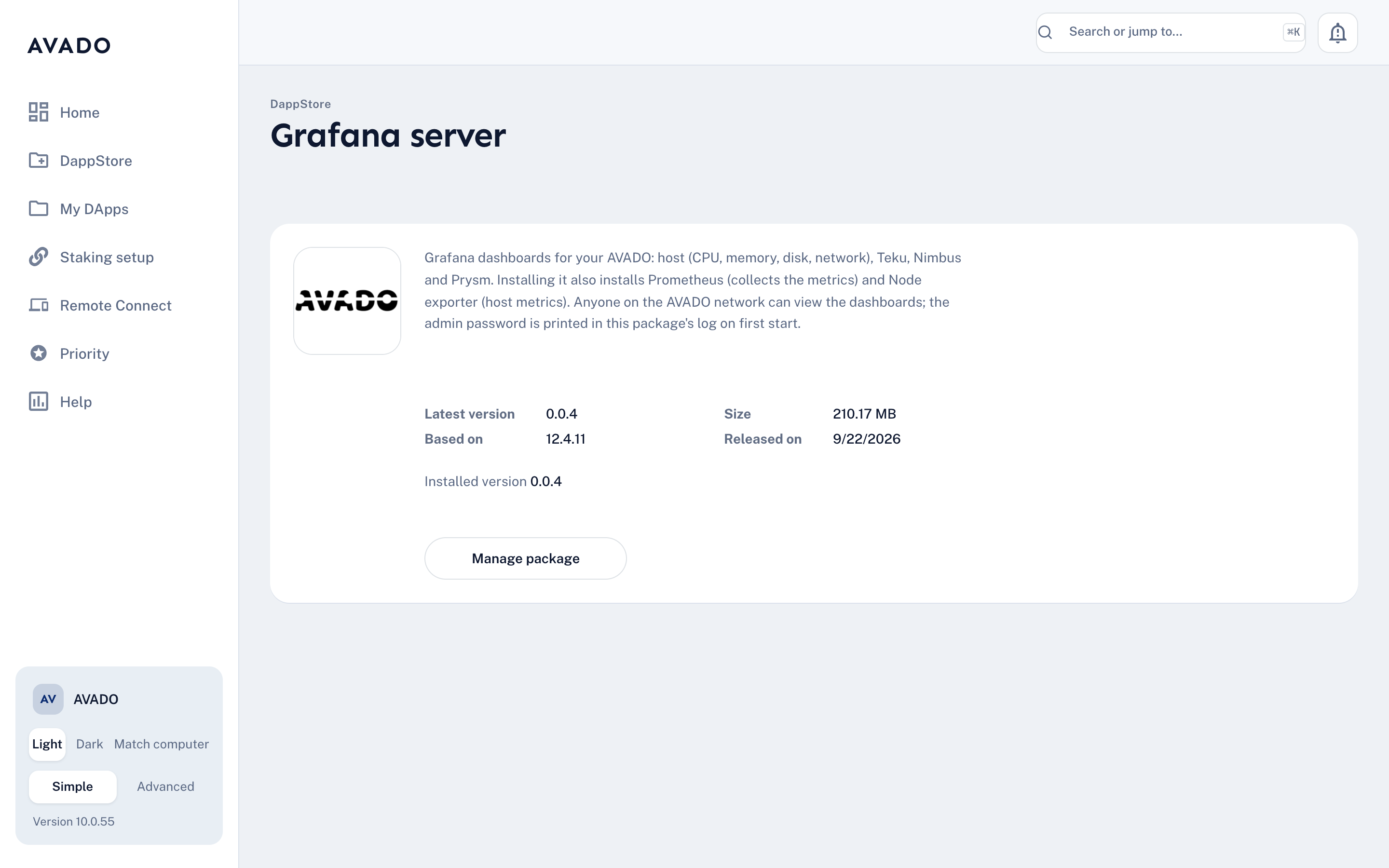
The Grafana server package in the DappStore.
You can also install it from **Staking setup** (step **Add monitoring**), or with the **Install monitoring** button when Home shows the tip **Install monitoring to check missed attestations**.
## Open Grafana
Open in your browser, or click **Open** next to **Grafana server** in **My DApps**.
Anyone on your AVADO's network can view the dashboards without logging in. You only need to sign in if you want to change dashboards. The admin password is printed in the Grafana server package's log the first time it starts (open the package, switch to [Advanced mode](/your-avado/finding-your-way-around/simple-and-advanced-mode.md), and look in the **Logs** tab).
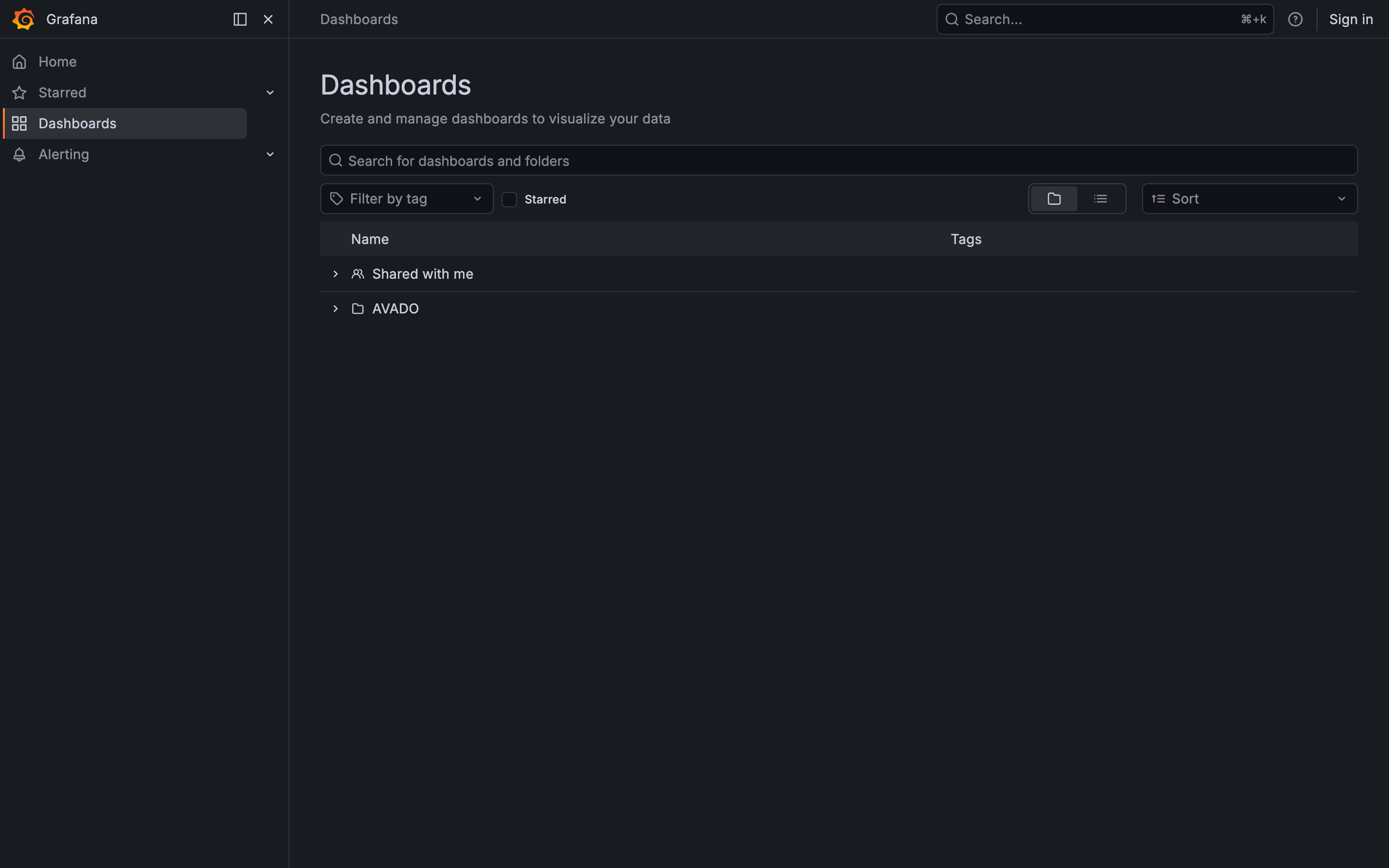
Grafana's Dashboards page. The AVADO dashboards are in the AVADO folder.
## The dashboards
Go to **Dashboards** and open the **AVADO** folder:
* **Host:** your AVADO itself: processor, memory and disk use, and the temperature of your drive, with a temperature graph over time.
* **Teku**, **Nimbus** and **Prysm:** one dashboard per consensus client, showing how that client is doing. Open the one for the client you run.
Teku and Nimbus send their metrics to Prometheus automatically, so their dashboards fill up without any setup.
## What Home uses monitoring for
Once monitoring is installed, the AVADO Admin reads your client's metrics from Prometheus. That powers:
* **Show details** on the chain status strip: the current **epoch** as a row of slots, whether your client is **in step with the network** or **N slots behind**, and its number of **peers**.
* These [health checks](/your-avado/finding-your-way-around/health-checks-explained.md): **… is N slots behind the chain**, **… has only N peers**, and **N attestations missed in the last hour**.
Without monitoring, Home shows "Install monitoring to see the chain strip." and skips those checks.
{% hint style="info" %}
If Home shows **Can't read your clients' metrics**, the Admin can't reach Prometheus. This also happens when you open the Admin through Remote Connect or by IP address. Open it at `http://my.ava.do` instead. If that doesn't help, restart **Prometheus node** from **My DApps**.
{% endhint %}
{% hint style="info" %}
If Home shows **Monitoring has stopped**, click **Restart monitoring**.
{% endhint %}
## Online monitoring
Grafana shows what happens on your AVADO. To see your validators' performance as the network sees it, and to get email or phone alerts, also use an online explorer such as beaconcha.in. See [Monitor Your Node](/staking-ethereum/solo-staking-32-eth/monitor-your-node.md).